What to do if your USB type C earphones are not working properly with Galaxy S24
Intermittent sound, lock up or sound lag may occur when using some older Samsung USB type C earphones with Galaxy S24 devices. If this occurs, it can be easily resolved by updating your earphones firmware.
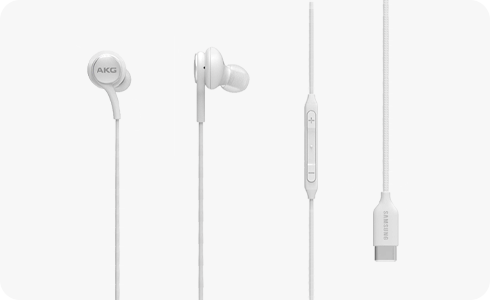
How to update USB type-c earphones firmware with your Galaxy device


Step 1. Check the main screen has an earphone icon.


Step 2. Swipe down on the main screen to reveal devices notifications.


Step 3. Tap Checking firmware version.


Step 4. Tap Update.


Step 5. Your earphone firmware will update.


Step 6. The notification will change to update completed once complete.
Please note: A screen notification does not appear when plugging in type c headphones, instead a headphones option will appear when increasing or decreasing the sound volume.
Thank you for your feedback!
Please answer all questions.
*Operates as a price discount: Pre-order the Galaxy S26 Ultra larger storage variant (512GB) by 10.03.26 and pay the future price of the Galaxy S26 Ultra smaller storage variant (256GB). Pre-order the Galaxy S26+ larger storage variant (512GB) by 10.03.26 and pay the same price as the Galaxy S26+ smaller storage variant (256GB). Pre-order the Galaxy S26 larger storage variant (512GB) by 10.03.26 and pay the future price of the Galaxy S26 smaller storage variant (256GB).