Syncing my Reminders with Microsoft on my Samsung Phone
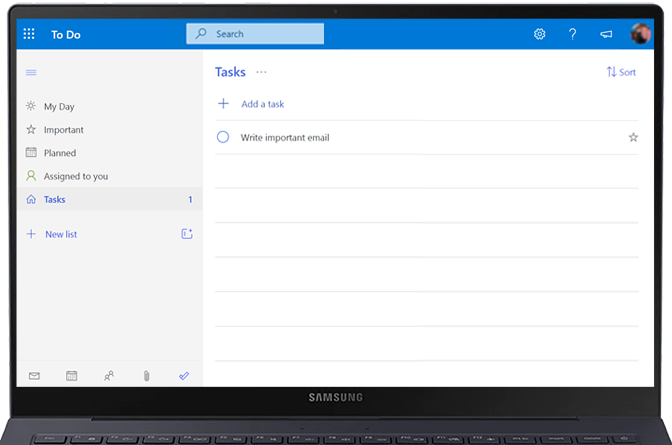
Get reminders and To Do lists from your Galaxy Phone on your PC and online when you sync your account through Microsoft. Follow the steps below to learn how to set up, synch, and view your reminders from any device, wherever you are. Before you start, you will need to link your Samsung account with Microsoft. You will also need to set up the Samsung Reminder app.
Before starting, make sure your Galaxy device is connected to the Internet, either via Wi-Fi or using your mobile data.

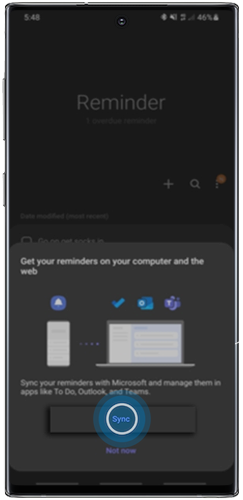
If the popup doesn't appear, you can tap on options (three dots) > Settings > Toggle on “Sync with Microsoft To Do”.
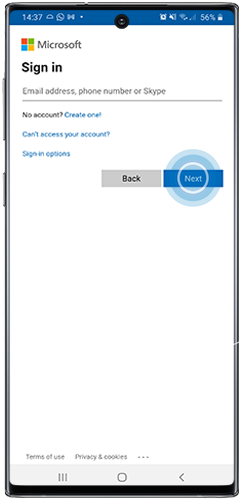
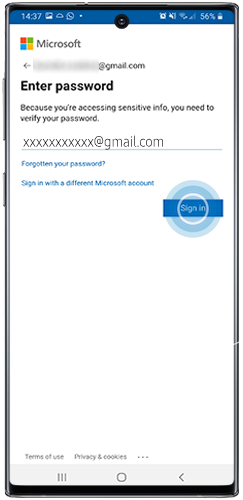
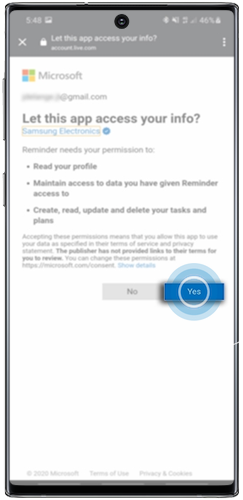
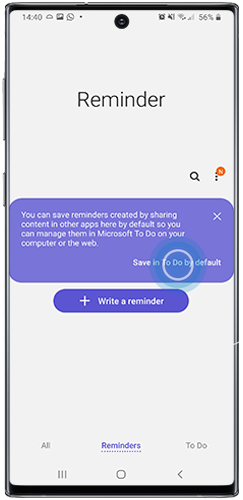
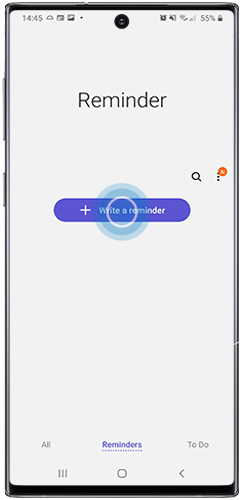
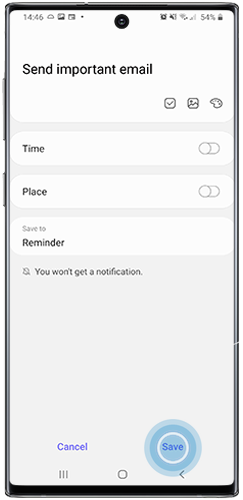
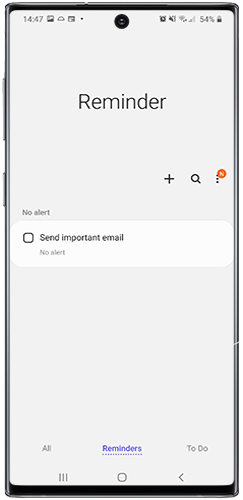
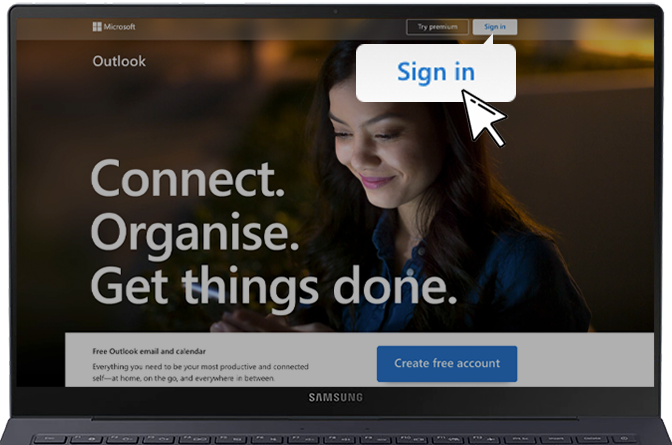
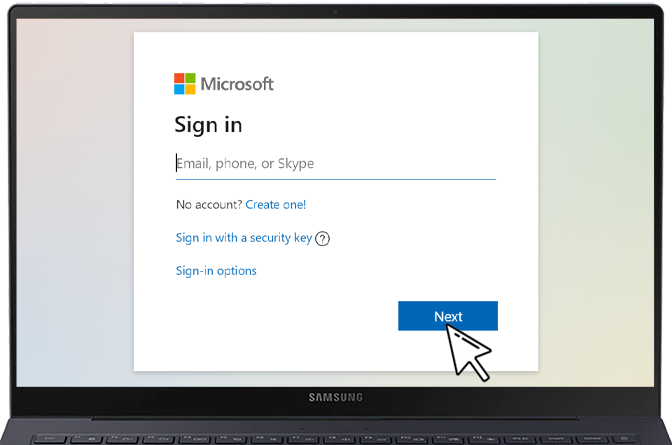
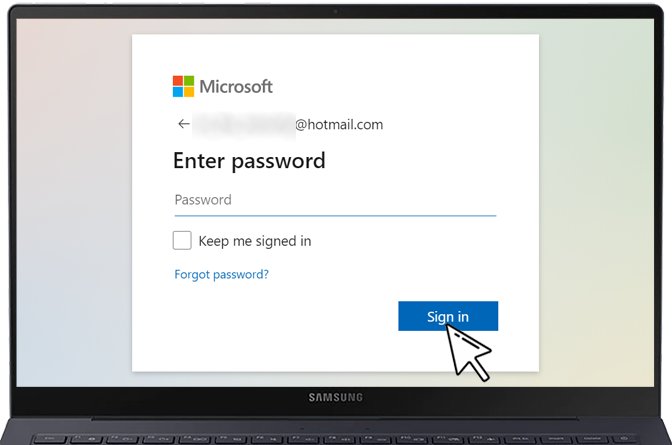

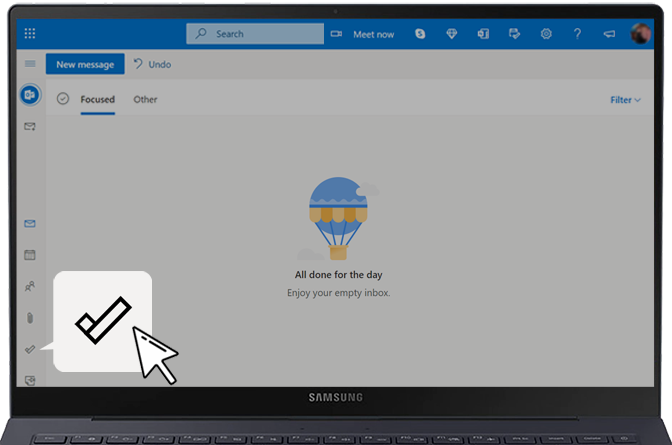
Thank you for your feedback!
Please answer all questions.
*Operates as a price discount: Pre-order the Galaxy S26 Ultra larger storage variant (512GB) by 10.03.26 and pay the future price of the Galaxy S26 Ultra smaller storage variant (256GB). Pre-order the Galaxy S26+ larger storage variant (512GB) by 10.03.26 and pay the same price as the Galaxy S26+ smaller storage variant (256GB). Pre-order the Galaxy S26 larger storage variant (512GB) by 10.03.26 and pay the future price of the Galaxy S26 smaller storage variant (256GB).