How to use a second screen on your Tablet
At Samsung we know how useful it is to be able to share content from your Tablet’s screen and duplicate it onto a larger screen. Here, we’ll show you how to do it quickly and easily.
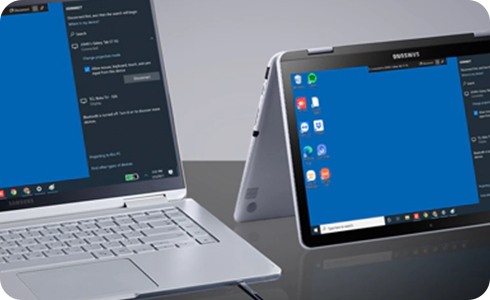
To configure your tablet to connect to different devices, please take the following steps.
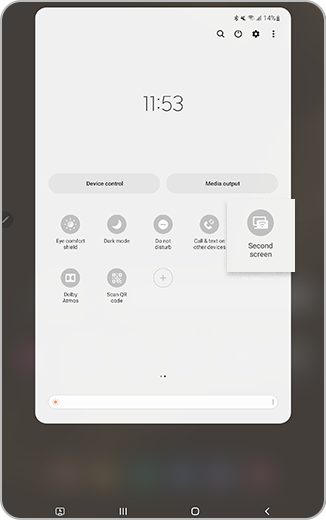
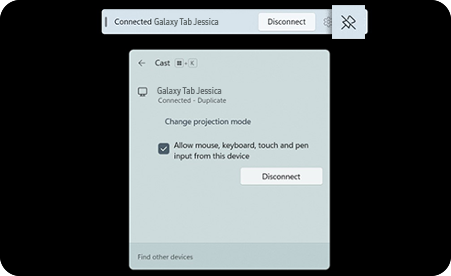
Please note: The second screen feature is only available on Galaxy Tab S8 and S7 series running One UI 3.1 and later versions. Also select PCs with Wireless Display running Windows 10 v2004 or higher.
Thank you for your feedback!
Please answer all questions.
*Operates as a price discount: Pre-order the Galaxy S26 Ultra larger storage variant (512GB) by 10.03.26 and pay the future price of the Galaxy S26 Ultra smaller storage variant (256GB). Pre-order the Galaxy S26+ larger storage variant (512GB) by 10.03.26 and pay the same price as the Galaxy S26+ smaller storage variant (256GB). Pre-order the Galaxy S26 larger storage variant (512GB) by 10.03.26 and pay the future price of the Galaxy S26 smaller storage variant (256GB).