About the updated Edge Panel and accessing the Smart select feature
With the release of One UI 6.1.1, the organization of the Edge Panel has been redesigned, which has made accessing the Smart select feature more convenient. Use this guide to learn more about the improved access to Smart select.
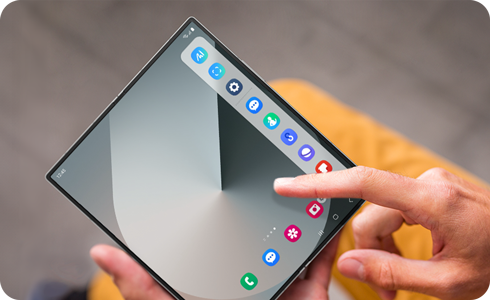
How to access Smart select and edit the Apps panel
The Smart select icon is pinned within the Apps panel in the Edge panel for more convenient access.
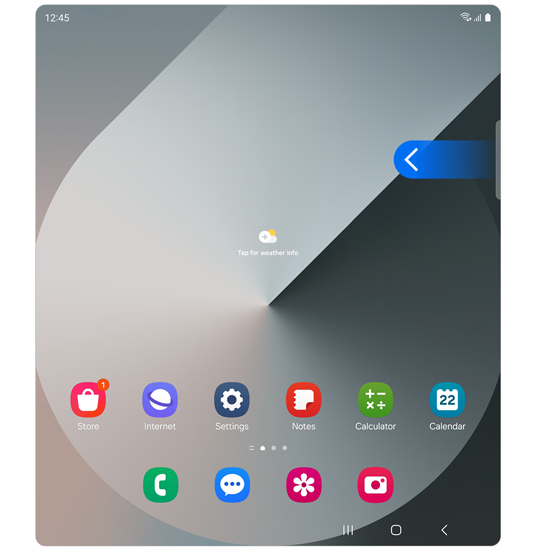
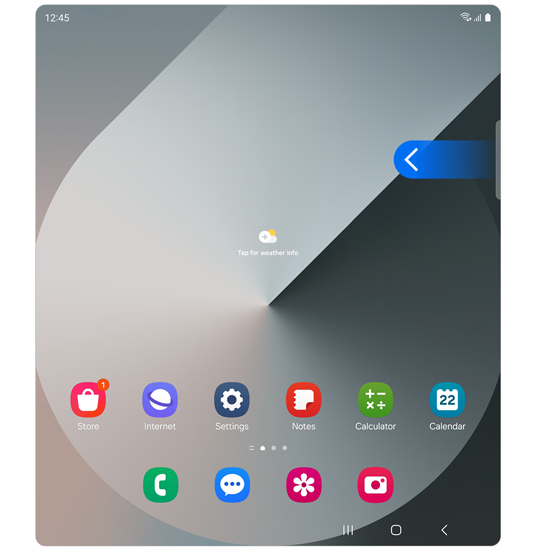
Step 1. Swipe left on the top-right side of the screen to open the Edge panels.
* You can activate the Edge panels in Settings > Display.
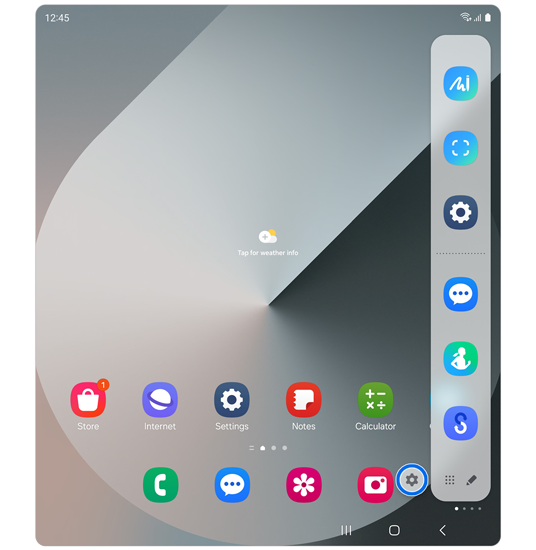
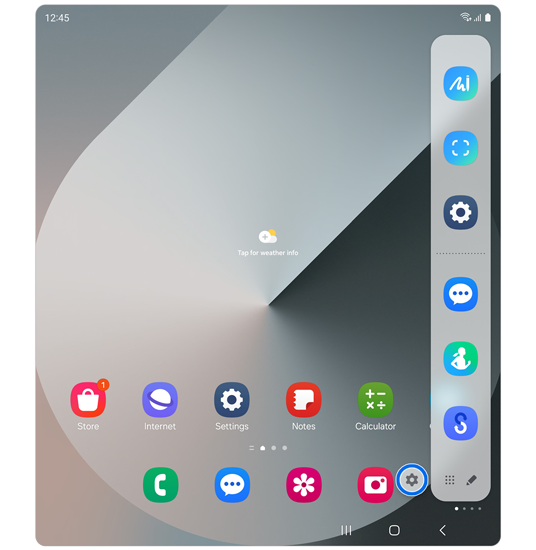
Step 2. Select the Settings icon.
* The settings icon appears for 3 seconds after you open the Edge panel, then disappears.
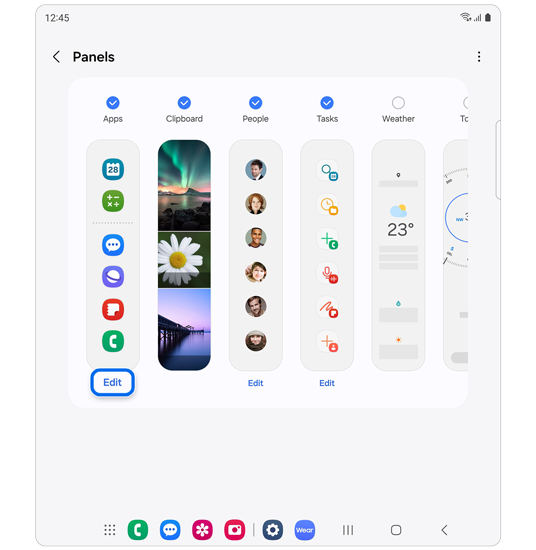
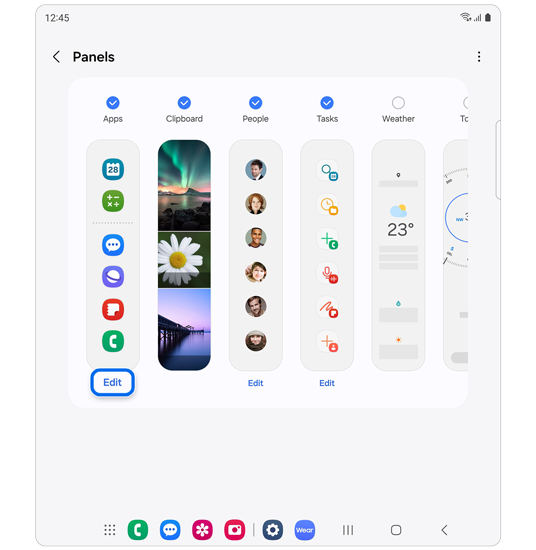
Step 3. Select the Apps panel’s Edit menu.
Other changes
Some previously available features will no longer be available as the interface is simplified and easier paths are provided.
- The Smart select panel, which was previously available as a separate panel, has been removed.


One UI 6.1.0 and previous versions


One UI 6.1.1 and later versions
How to create GIFs via the Edge panel
GIF creation is now available via the Smart select feature in the Edge panel.
Please note: To use this feature, ensure your phone is updated to One UI 6.1.1 or later. Then, update the Galaxy Store and install the latest version of the Samsung Capture app (v5.8.64.4 or v5.8.61.4 for Tab S10) from the Galaxy Store.
How to create GIFs


Step 1. Open the Edge panel > Run Smart select.


Step 2. Select the area you want to create a GIF from > Tap Create GIF.


Step 3. Tap Record.


Step 4. Tap Stop where you’d like the GIF to end.
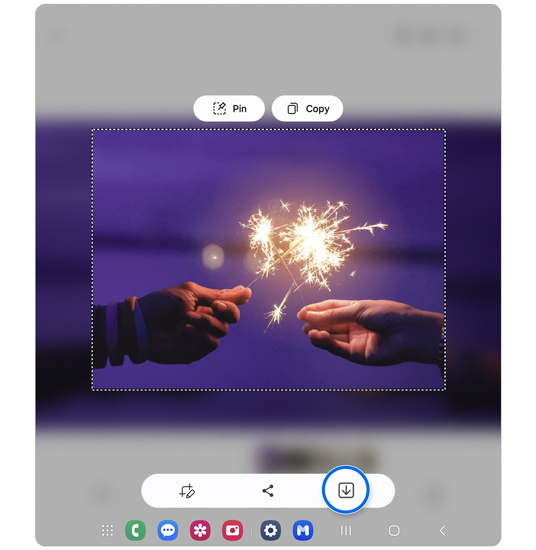
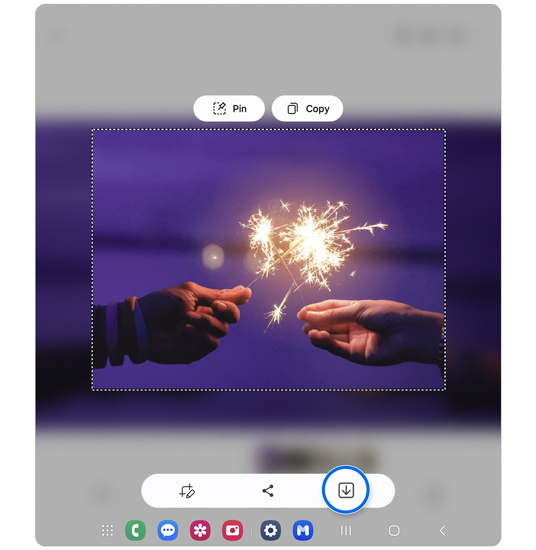
Step 5. Tap the save icon to save the GIF to your gallery.
Thank you for your feedback!
Please answer all questions.
*Operates as a price discount: Pre-order the Galaxy S26 Ultra larger storage variant (512GB) by 10.03.26 and pay the future price of the Galaxy S26 Ultra smaller storage variant (256GB). Pre-order the Galaxy S26+ larger storage variant (512GB) by 10.03.26 and pay the same price as the Galaxy S26+ smaller storage variant (256GB). Pre-order the Galaxy S26 larger storage variant (512GB) by 10.03.26 and pay the future price of the Galaxy S26 smaller storage variant (256GB).